
Want to Learn Laravel as a Beginner? Here’s a Smart Step-by-Step Roadmap

22
May
Want to learn Laravel as a beginner? Start the smart way
Laravel is one of the most popular and beginner-friendly PHP frameworks for modern web development. If you want to build professional websites, admin panels, REST APIs, or full-stack web applications, Laravel is an excellent place to start—not because it’s “easy,” but because it gives you structure, security, and tools that real companies use every day.
This guide walks you through a practical learning path so you don’t waste time jumping between random tutorials.
Why learn Laravel?
-Laravel helps you build faster with built-in features for:
-Routing and clean URL structure
-Database work with Eloquent ORM
-User login and registration
-Form validation and security
-APIs for mobile apps and frontends
-A large community and endless learning resources
Developers who know Laravel often work on freelance projects, remote jobs, startups, and agency builds—including platforms built by teams like Universal Links Technologies using PHP, Laravel, and modern frontends.
Step 1: Learn basic PHP first
Before Laravel, get comfortable with PHP fundamentals:
1-Variables, data types, arrays
2-Conditions and loops
3-Functions
4-Working with forms (GET / POST)
5-Basic understanding of how websites talk to a server
You do not need to master everything in PHP—but you should understand how PHP files run, how to include logic in HTML, and how simple CRUD (Create, Read, Update, Delete) works. Laravel will make much more sense once this foundation is in place.
Tip: Build a tiny project—e.g. a contact form that saves messages to a file or database—before opening Larave
Step 2: Install the right tools
Set up a clean development environment:
ToolPurpose
PHP (8.1+) - Runs Laravel
Composer - Manages PHP packages
Laravel Installer or composer create-project- Creates new Laravel apps
VS Code (or PhpStorm) - Code editor
MySQL or MariaDB- Database
Git -Version control (highly recommended)
On Windows, tools like Laravel Herd, XAMPP, or WAMP can simplify local setup. On Mac/Linux, PHP and Composer via official docs work well.
Create your first project:
composer create-project laravel/laravel my-first-app
php artisan serve
Visit http://127.0.0.1:8000—if you see the Laravel welcome page, you’re ready for Step 3.
Step 3: Understand Laravel basics (core concepts)
Focus on these topics in order:
Routing
Maps URLs to code. Example: /about shows an About page.
Controllers
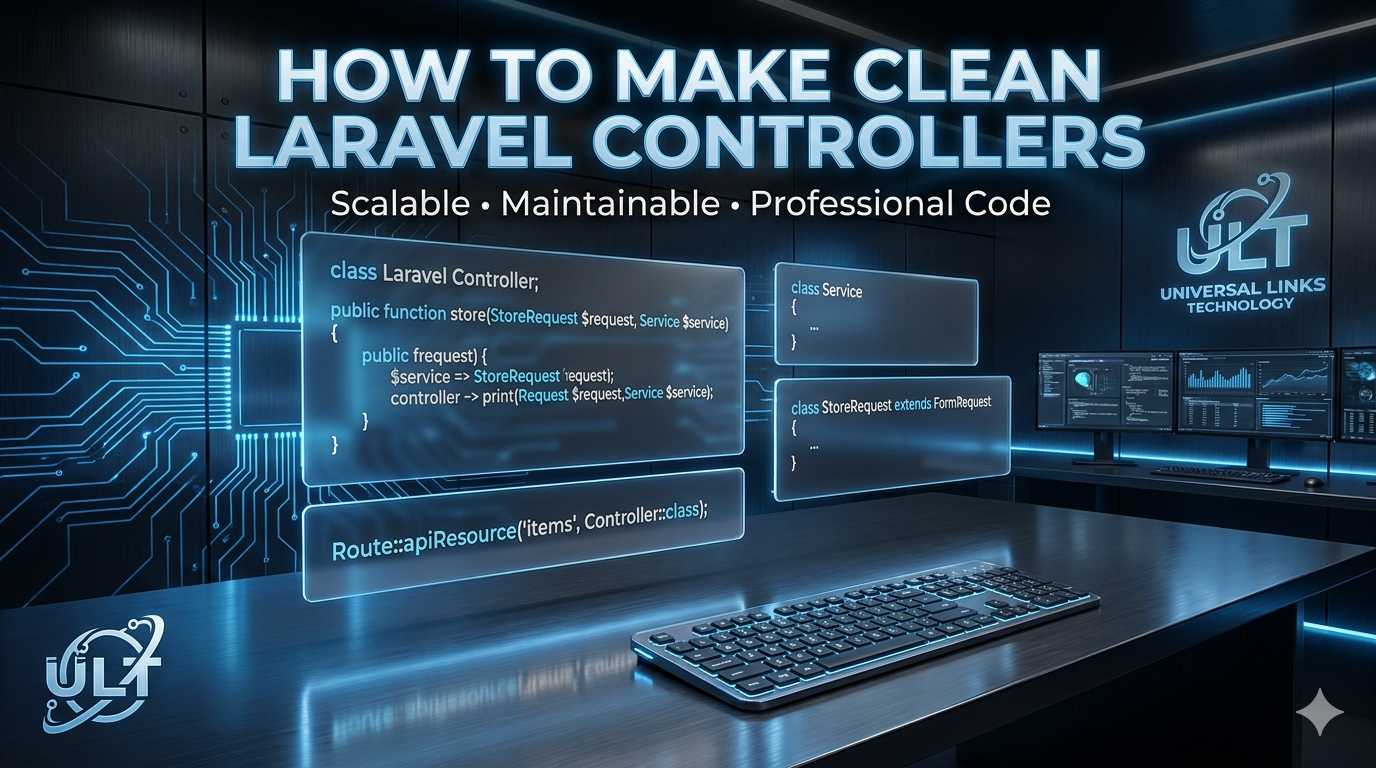
Organize logic instead of putting everything in one file.
Blade templates
Laravel’s templating engine for clean, reusable HTML views.
Models & migrations
Models represent database tables; migrations version-control your database schema.
Eloquent ORM
Read and write database records with simple PHP syntax.
Authentication
Laravel Breeze, Jetstream, or Fortify can speed up login/register flows.
Validation & security
Built-in tools for form validation, CSRF protection, and safer queries.
Spend time on one small feature at a time—e.g. a page that lists users from the database—rather than copying full projects without understanding them.
Step 4: Build small projects (learn by doing)
Theory alone won’t stick. Build mini apps such as:
1-To-do app — add, complete, delete tasks (CRUD + database)
2-Blog — posts, categories, admin login (auth + Blade)
3-Student management — students, courses, simple dashboard
4-Expense tracker — categories, totals, monthly reports
Each project should teach you something new: relationships, file uploads, pagination, or search.
Rule of thumb: Finish one project completely before starting the next.
Step 5: Learn databases & REST APIs
Real-world Laravel apps are rarely “just HTML pages.”
Database skills to add:
1-Table relationships (one-to-many, many-to-many)
2-Seeders and factories (test data)
3-Query optimization basics
4-Transactions when needed
API development:
1-Build REST APIs with Laravel routes and controllers
2-Return JSON for mobile apps or Vue.js / React frontends
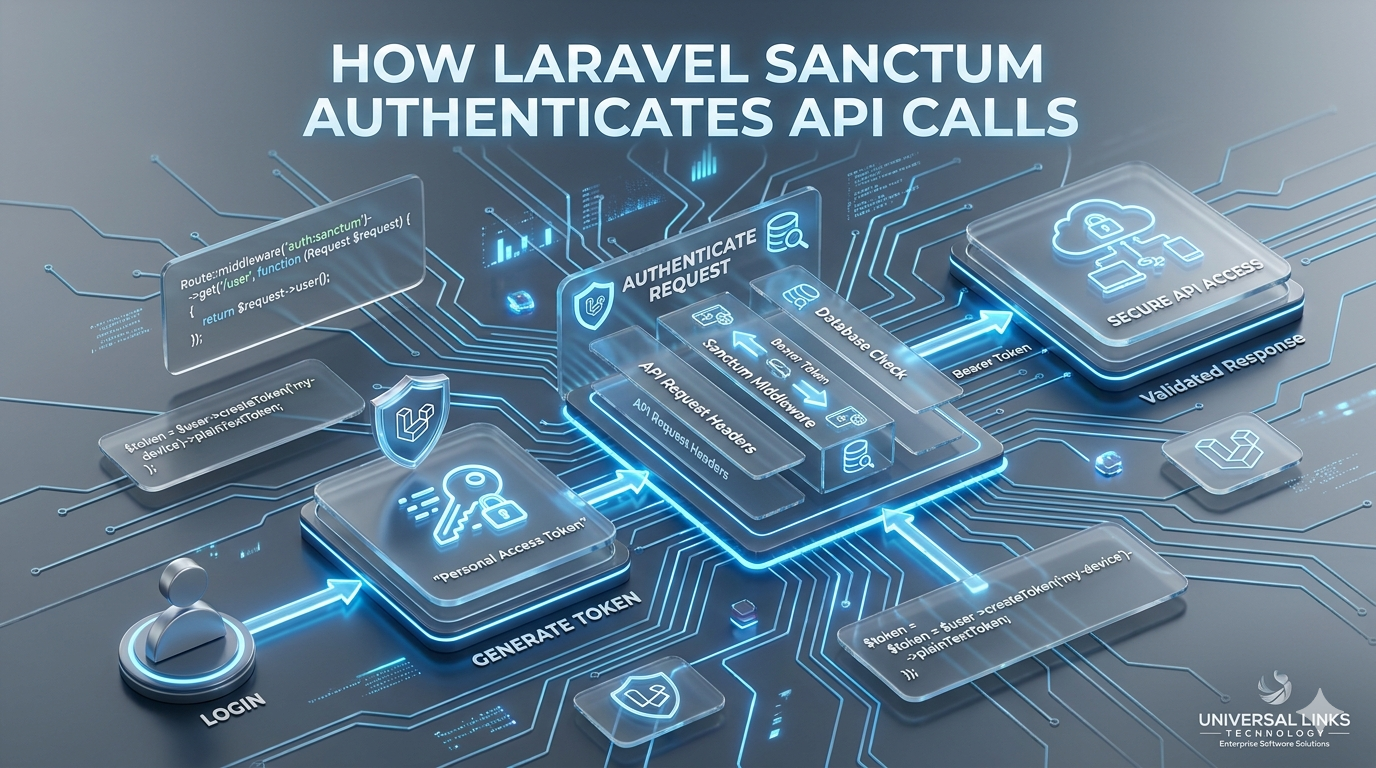
3-Learn API authentication (e.g. Sanctum or Passport)
This step bridges “tutorial Laravel” and “job-ready Laravel.”
Step 6: Learn modern Laravel practices
Once basics feel solid, explore:
-Laravel queues & jobs (background tasks)
-Mail & notifications
-File storage (local + cloud)
-Testing with PHPUnit / Pest
-API resources for clean JSON responses
-Laravel Livewire or pairing with Vue.js if you want reactive UIs
You don’t need all of this on day one—but knowing they exist helps you grow into a full-stack developer.
Step 7: Deploy your project
A project isn’t “real” until it’s online. Learn deployment basics:
-Choose hosting (shared VPS, DigitalOcean, AWS, Laravel Forge, etc.)
-Set environment variables (.env on server)
-Run migrations on production
-Configure domain, SSL, and file permissions
-Use php artisan config:cache and route:cache for performance
Deploying teaches debugging, server limits, and security—skills employers value.
Common beginner mistakes to avoid
-Skipping PHP basics
-Copy-pasting code without reading it
-Not using Git from the start
-Ignoring validation and security
-Trying to learn React, Vue, Docker, and AWS all on day one
-Never finishing a project
Stay focused: PHP → Laravel core → one finished project → APIs → deploy.
How long does it take to learn Laravel?
There’s no fixed timeline, but a realistic path:
1–2 months: basics + first small CRUD app (part-time)
3–6 months: blog/CMS-level apps + simple APIs
6–12 months: confident building client-style projects with auth, relationships, and deployment
Consistency matters more than speed.
Laravel and your career
-Laravel skills can lead to:
-Freelance web development
-Remote jobs at agencies and startups
-Building your own SaaS or startup MVP
-Backend roles with PHP/Laravel stacks
At Universal Links Technology, we use Laravel alongside tools like CodeIgniter, Vue.js, and modern APIs to deliver websites and applications for clients—so the skills you learn align with real industry demand.
Conclusion
Laravel is a smart choice for beginners who want to build professional, scalable web applications without reinventing the wheel. Follow a clear path: PHP fundamentals → setup → Laravel core → small projects → database & APIs → deployment.
Start small, build often, and finish what you start—that’s how you go from “beginner” to “hireable.”
Want help building with Laravel? Reach out to Universal Links Technology for web development, APIs, and full project support.